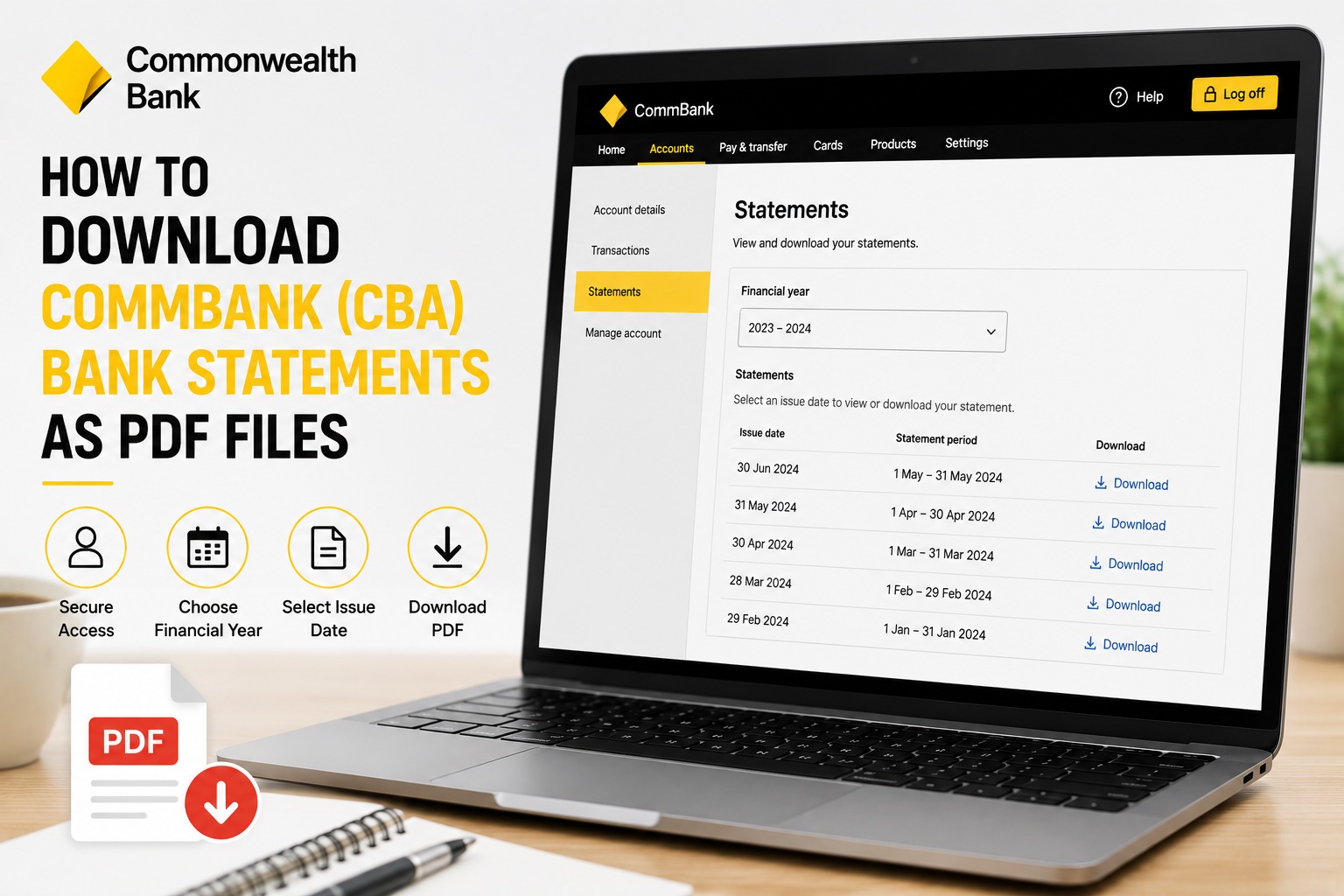
Need to download a Commonwealth Bank account statement as a PDF? CommBank NetBank lets you access your available online statements and save them as PDF files for your records. Whether you need a bank statement for bookkeeping, tax preparation, proof of income, a rental application or a loan, downloading it from NetBank only takes a few steps.
In this guide, we'll show you how to download CommBank bank statements as PDF files.
Watch the video tutorial below or follow the step-by-step instructions.
How to Download a CommBank Bank Statement as PDF
Step 1: Log In to CommBank NetBank
Start by logging in to your CommBank NetBank account. Once you're logged in, you'll see the Commonwealth Bank accounts available through your online banking.
Step 2: Select Your Bank Account
Choose the bank account you want to download a statement for. If you have multiple Commonwealth Bank accounts, make sure you select the correct account before continuing.
Step 3: Select View Online Statements
Look for the three-dot menu on the right-hand side of the account screen. Click the three dots to open the available account options. Select View online statements. This will take you to the section where you can access the available statements for your selected CBA account.
Step 4: Choose the Financial Year
Select the financial year containing the bank statement you need. Choosing the appropriate financial year makes it easier to locate older CommBank statements without searching through statements from other periods. For example, if you're collecting bank statements for tax or bookkeeping purposes, select the financial year that corresponds with the records you're preparing.
Step 5: Find the Statement by Issue Date
Your available statements will be listed by their issue date. Find the statement you need from the list. If you need statements covering several months, identify each of the relevant statement issue dates.
Step 6: Download Your CommBank Statement
Once you've found the statement you need, click Download. Save the PDF file to your computer or device. That's it! You now have a PDF copy of your Commonwealth Bank account statement. If you need several statements, repeat the process for each statement period you want to download.
Why Download CommBank Statements as PDF Files?
PDF bank statements provide a convenient record of the activity in your bank account for a particular statement period.
You may need your Commonwealth Bank statements for:
Bookkeeping
Tax preparation
BAS preparation
Proof of income
Rental applications
Home loan applications
Mortgage applications
Business loan applications
Financial record keeping
Preparing business accounts
Providing records to your accountant
Keeping your statements organised by month or financial year can also make it much easier to find the records you need later.
CommBank PDF Statement vs CSV Transactions: What's the Difference?
Commonwealth Bank allows you to access your banking information in different formats. Whether you need a PDF statement or CSV transaction export depends on what you plan to do with the data.
PDF Bank Statements
A PDF bank statement is generally more appropriate when you need a readable financial document showing your account activity for a statement period.
PDF statements may be useful for:
Proof of income
Rental applications
Loan applications
Mortgage applications
Financial record keeping
Providing statements to third parties
Keeping copies of historical account records
CSV Transaction Files
A CSV transaction file is generally more useful when you need to work with the individual transactions.
CSV files can make it easier to:
Sort transactions
Filter transactions
Search transaction descriptions
Categorise business expenses
Identify business income
Calculate transaction totals
Analyse spending
Import transactions into compatible financial software
Prepare Profit & Loss statements
If you need your individual transaction data rather than a PDF statement, see our separate guide:
👉How to Download CommBank (CBA) Transactions as a CSV File
Using Commonwealth Bank Statements for Bookkeeping
If you use your Commonwealth Bank account for business purposes, your bank statements can be an important source of information when preparing your bookkeeping records.
For example, your account might contain business income such as:
Customer payments
Client payments
Uber or rideshare payouts
Delivery platform payments
Marketplace income
Other business revenue
It may also contain business expenses such as:
Fuel
Vehicle expenses
Tolls and parking
Phone and internet
Software subscriptions
Advertising
Insurance
Equipment
Professional services
Bank fees
Other operating expenses
If the same account is also used for personal spending, you'll need to distinguish your business transactions from personal transactions when preparing your financial records.
Turn Your CommBank Transactions Into a Profit & Loss Statement
Downloading your Commonwealth Bank statements may only be the first step if you're collecting them to prepare business financial records.
A Profit & Loss statement (P&L) summarises your business income and expenses over a particular period and shows the resulting profit or loss.
Creating a P&L manually from your banking activity can involve:
Collecting your bank and card statements.
Reviewing your transactions.
Separating personal and business transactions.
Identifying your business income.
Identifying business expenses.
Categorising those expenses.
Calculating totals for each category.
Calculating total income and expenses.
Determining your net profit or loss.
Preparing the final Profit & Loss statement.
If your accounts contain hundreds or thousands of transactions, doing this manually can take considerable time.
Accounting Samurai can help simplify the process.
Instead of manually entering and categorising every transaction in a spreadsheet, Accounting Samurai helps turn your bank and card transaction data into an organised Profit & Loss statement.
This can be particularly useful for:
Uber drivers
Rideshare drivers
Uber Eats drivers
DoorDash drivers
Amazon Flex drivers
Gig workers
Freelancers
Contractors
Sole traders
Small business owners
Generate a P&L From Your Bank Statements
Already downloaded your Commonwealth Bank statements?
Upload your bank and card statements to Accounting Samurai and turn your transactions into an organised Profit & Loss statement without manually building one from scratch.
👉 Generate Your Free Profit & Loss Statement Now
Frequently Asked Questions
Can I download CommBank bank statements online?
Yes. You can access available online statements through CommBank NetBank. Select the relevant account and choose View online statements from the account options.
How do I download a Commonwealth Bank statement as a PDF?
Log in to CommBank NetBank, select the relevant account, open the three-dot menu, select View online statements, choose the appropriate financial year, find the statement by issue date and click Download.
Where can I find my CBA statements in NetBank?
After selecting the relevant account, open the three-dot menu and select View online statements. You can then choose a financial year and view the statements available for that period.
Can I download old CommBank statements?
Available historical statements can be accessed through the online statements section. Select the relevant financial year to see the statements available for that period. The availability of older statements may depend on the account and the historical records CommBank makes accessible through NetBank.
Can I download multiple CommBank bank statements?
If you need statements covering several statement periods, locate each relevant statement by its issue date and download the PDFs you need.
Can I choose a custom date range for a CommBank PDF statement?
Bank statements cover established statement periods, so selecting a financial year and issue date does not create a new statement for an arbitrary custom date range. If you need individual transactions covering a specific custom period, a CSV transaction export may be more appropriate.
Can I use a CommBank statement as proof of income?
Bank statements are commonly requested as supporting financial documents for applications such as rentals and loans. However, the organisation requesting proof of income determines which documents it will accept. Depending on your circumstances, you may also be asked for payslips, tax returns, financial statements or a Profit & Loss statement.
Should I download CommBank transactions as PDF or CSV?
Choose PDF when you need a readable bank statement or financial document. Choose CSV when you need to sort, filter, categorise, analyse or otherwise process individual transactions.
Can I create a Profit & Loss statement from Commonwealth Bank statements?
Yes. You can review your banking activity, separate business and personal transactions, categorise business income and expenses, and use the resulting figures to prepare a Profit & Loss statement. Alternatively, Accounting Samurai can help reduce the amount of manual transaction processing required.