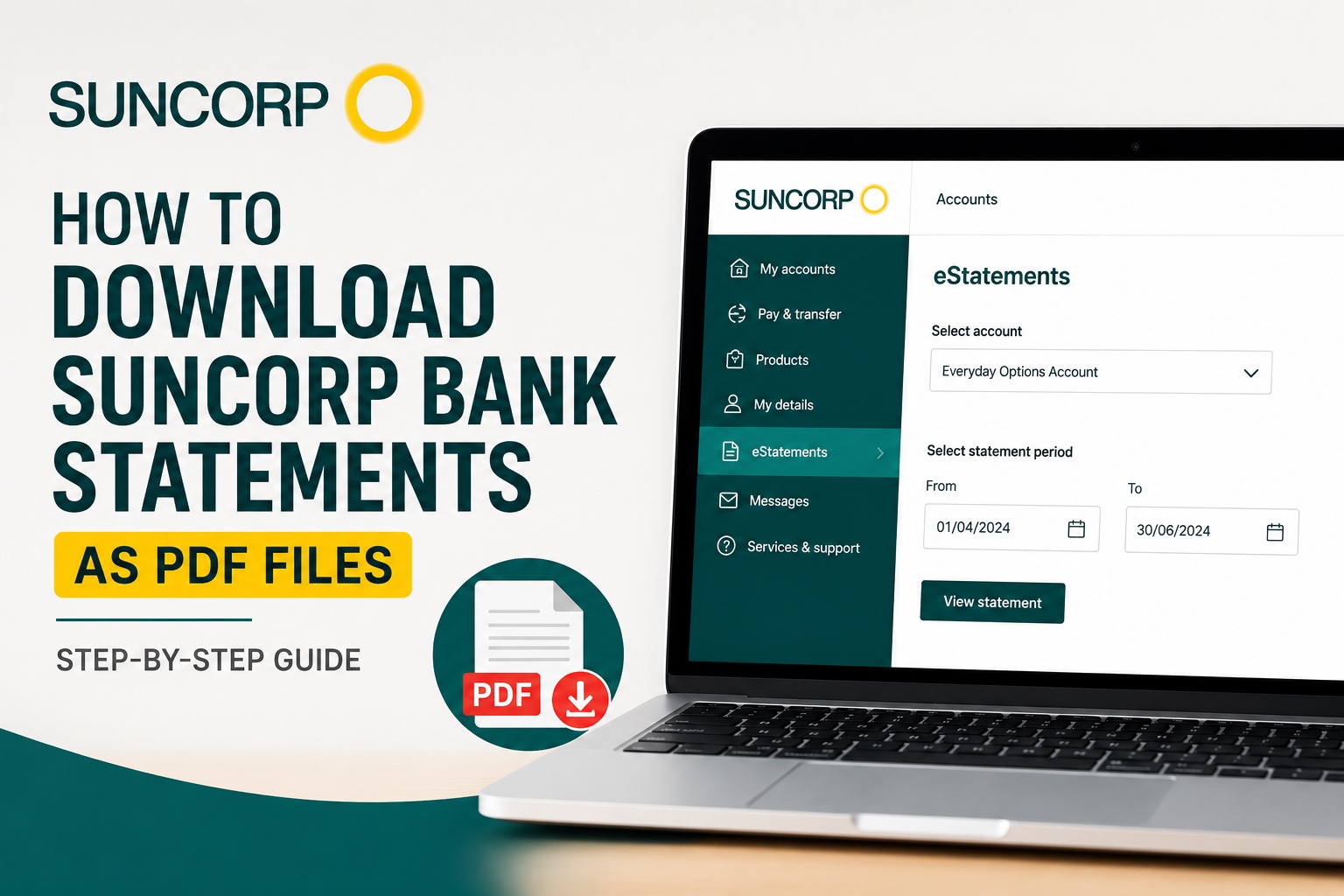
Need a PDF copy of your Suncorp Bank account statement? Whether you need your statements for bookkeeping, a loan application, proof of income, tax preparation, or creating a Profit & Loss statement, you can download them through Suncorp Internet Banking.
In this quick guide, we'll show you how to download a Suncorp bank statement as a PDF in just a few steps.
Watch the video tutorial below or follow the step-by-step instructions.
How to Download a Suncorp Bank Statement as a PDF
Step 1: Log In to Suncorp Internet Banking
Start by logging in to your Suncorp Internet Banking account.
Once you're logged in, you'll be able to access your accounts, transactions and available electronic statements.
Step 2: Select eStatements
From the left-hand menu, select eStatements.
This section contains the electronic statements available for your Suncorp Bank accounts.
Step 3: Choose Your Account and Statement Period
Select the bank account for which you need a statement.
Next, choose the relevant statement period or dates. Make sure the period covers all the transactions you need, particularly if you're downloading statements for accounting, tax preparation or income verification.
Step 4: Download Your Statement as a PDF
Open the statement for your selected period and download the PDF file to your computer or device.
That's it. You now have a PDF copy of your Suncorp Bank account statement.
Why Would You Need a PDF Bank Statement?
PDF bank statements are useful because they provide an official record of the transactions that occurred within your account during a specific period.
You may need Suncorp bank statements for:
Tax preparation
Bookkeeping
Creating financial statements
Loan or mortgage applications
Rental applications
Proof of income
Business expense tracking
Providing financial records to an accountant
If you're self-employed, a sole trader, freelancer or gig worker, bank statements can also be particularly useful when preparing your business financial records.
Turn Your Bank Statements Into a Profit & Loss Statement
Downloading your statements is only the first step if you need to understand how much your business actually earned.
Traditionally, creating a Profit & Loss statement means going through your bank and card transactions manually, identifying income and expenses, categorising each transaction, calculating totals and then building the financial statement yourself.
Accounting Samurai can automate this process.
Instead of manually entering hundreds of transactions, you can upload your bank and card statements and use Accounting Samurai to help categorise your transactions and generate a professional Profit & Loss statement.
This can be particularly useful for:
Gig workers
Uber and rideshare drivers
Delivery drivers
Freelancers
Contractors
Sole traders
Small business owners
Generate a P&L From Your Bank Statements
Already downloaded your Suncorp statements?
Upload your bank or card statements to Accounting Samurai and turn your transactions into an organised Profit & Loss statement without manually entering every transaction.
👉 Generate Your Free Profit & Loss Statement Now
Frequently Asked Questions
Can I download Suncorp bank statements as PDF files?
Yes. Available electronic account statements can be accessed through the eStatements section of Suncorp Internet Banking and downloaded for your records.
Where can I find my Suncorp eStatements?
After logging in to Suncorp Internet Banking, look for eStatements in the left-hand navigation menu. From there, you can select the relevant account and available statement.
Can I use a Suncorp PDF statement for bookkeeping?
Yes. PDF bank statements provide a record of your account transactions and can be useful when organising income and expenses for bookkeeping purposes.
Can I create a Profit & Loss statement from my Suncorp bank statements?
Yes. You can manually review the transactions in your statements and categorise your income and expenses, or use a tool such as Accounting Samurai to process your bank and card statements and generate a P&L statement more efficiently.